Genesis AI
Role:
Sr. Product Designer
Duration:
9 Months
Team Size:
2
Platform:
Desktop
Project Overview
Genesis AI is a core internal B2B CPQ (Configure, Price, Quote) platform designed to help sales and operations teams efficiently create, manage, and present product configurations for enterprise clients.
The system operates through two primary roles:
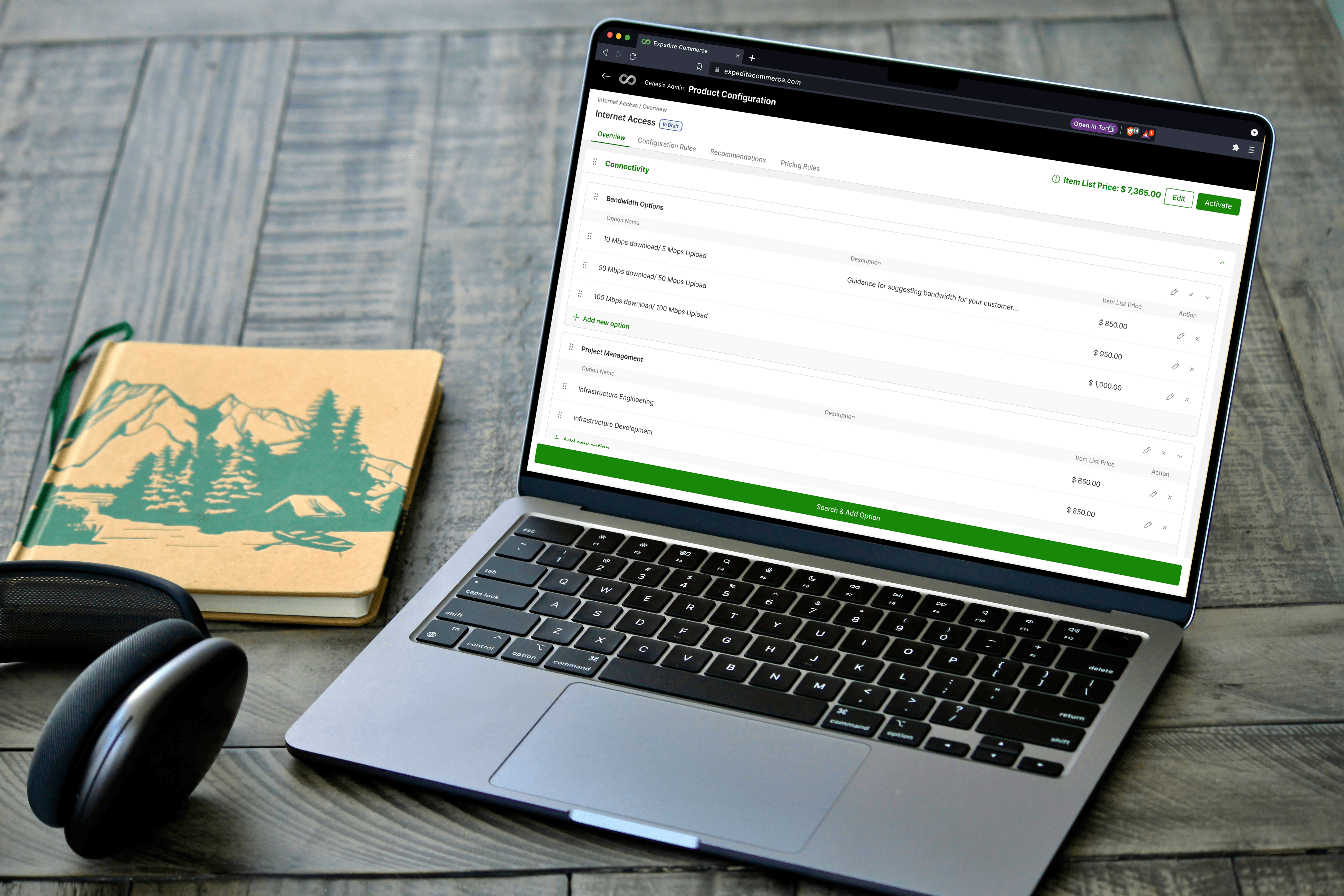
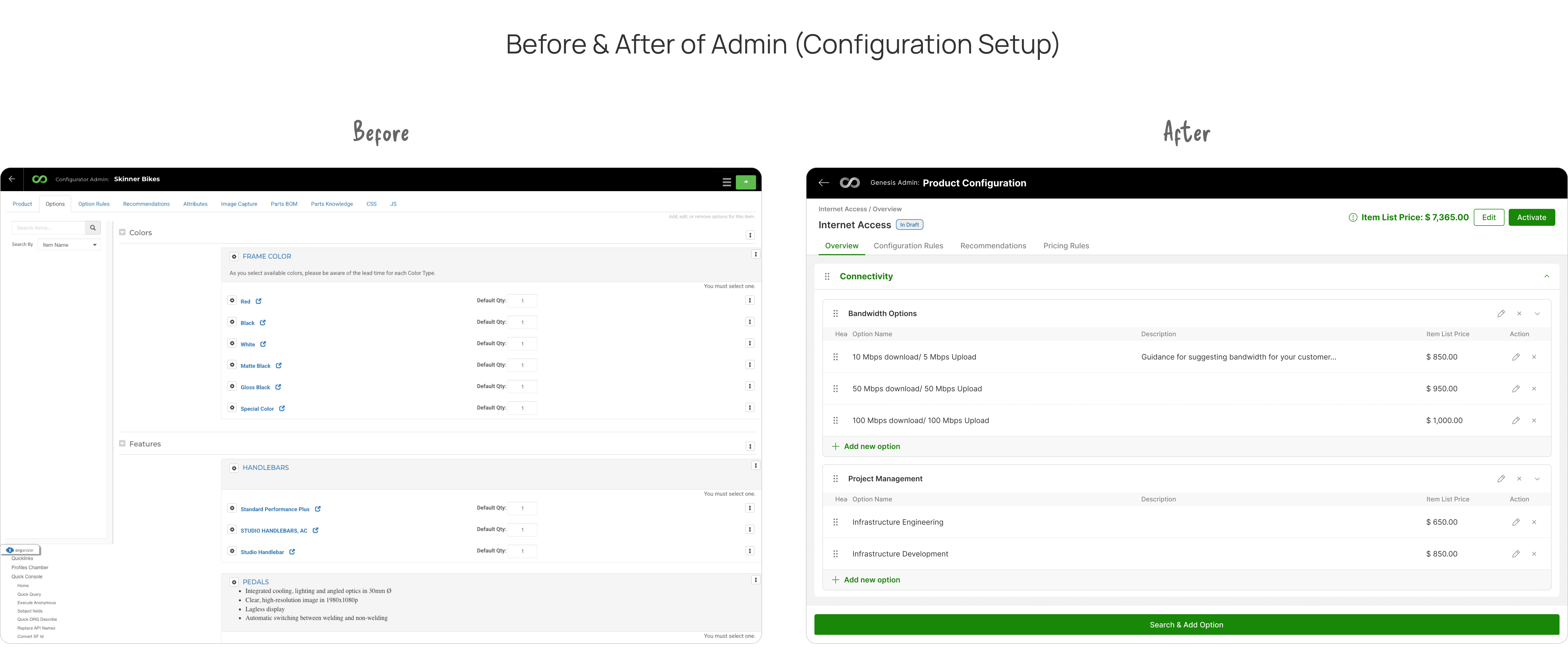
1. Admin (Configuration Setup)
Admins define the foundation of the system for their sales team by:
Creating and managing product catalogs (eCatalog)
Structuring products into categories, item types, and options
Defining pricing logic, including formulas, discounts, and dependencies
Setting configuration rules (e.g., inclusion/exclusion of products based on selections)
Managing cross-sell and recommendation logic
This layer ensures that all configurations follow business rules and remain scalable across industries.
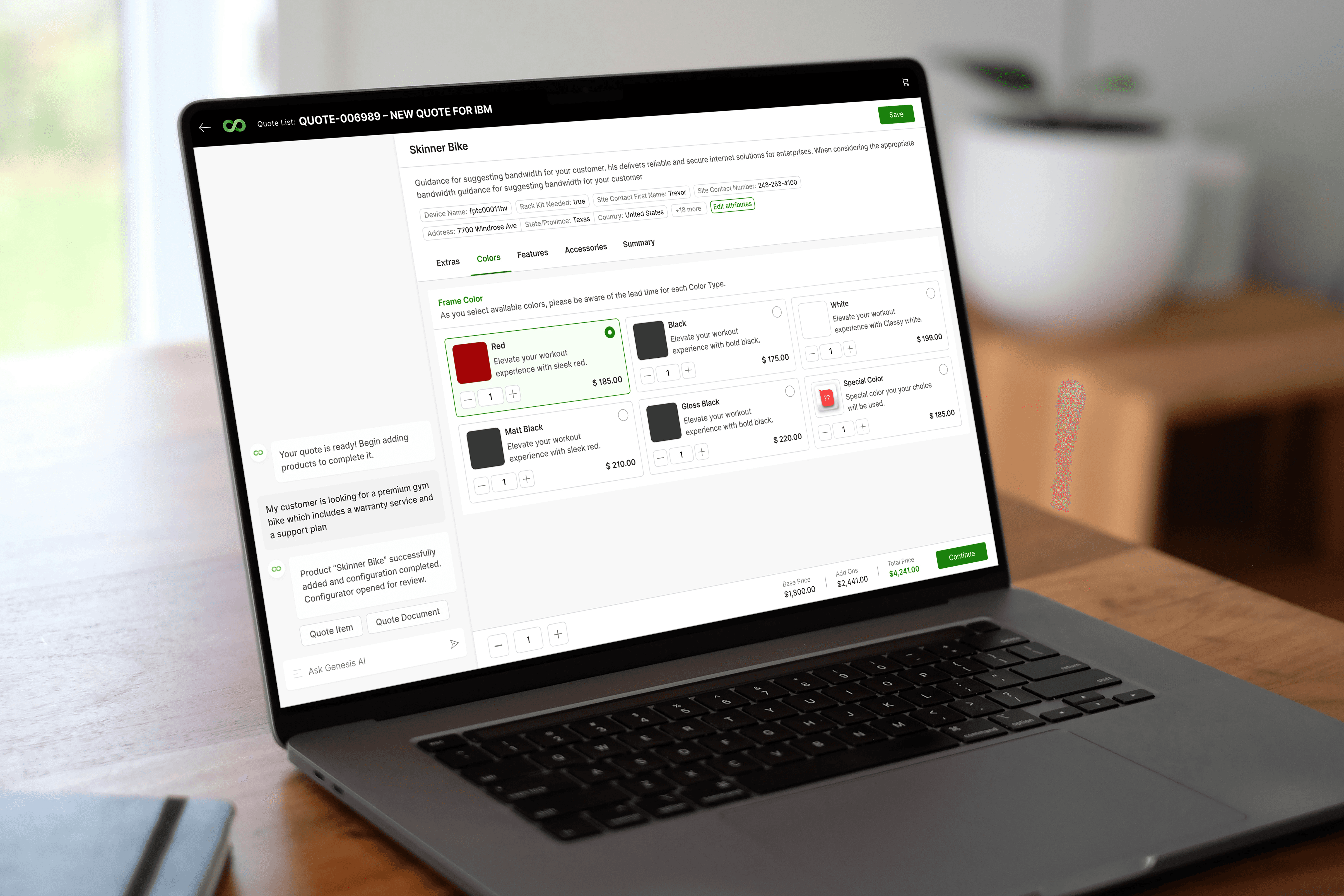
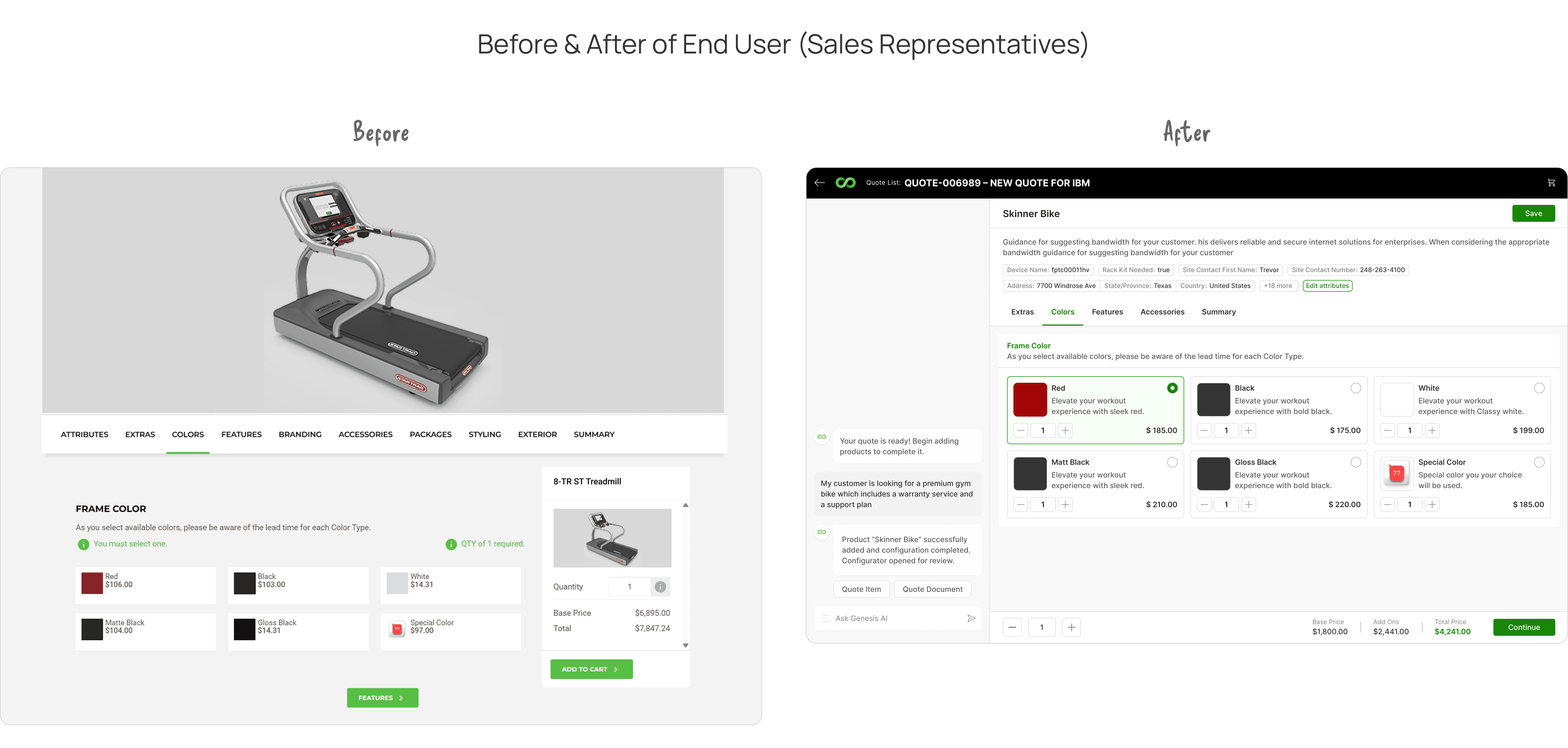
2. End User (Sales Representatives)
Sales teams use the platform to:
Configure products based on customer requirements
Add or remove options dynamically
Validate configurations in real time
Generate accurate quotes
Share finalized quotes with customers
The goal is to enable faster, more accurate, and more confident selling experiences.
The Challenge
The legacy CPQ was outdated, slow, and not aligned with the industry shift toward AI-assisted configuration. Users struggled with hidden complexity, disconnected admin logic, and workflows that demanded far more effort than necessary.
My Approach
I redesigned the whole system by reimagining the system from the ground up — auditing every legacy flow, co-creating with stakeholders, and designing a modern, AI-assisted experience that balances automation with human control.
What broke — and why we had to rethink the configurator?
🔷 1. User Pain Points
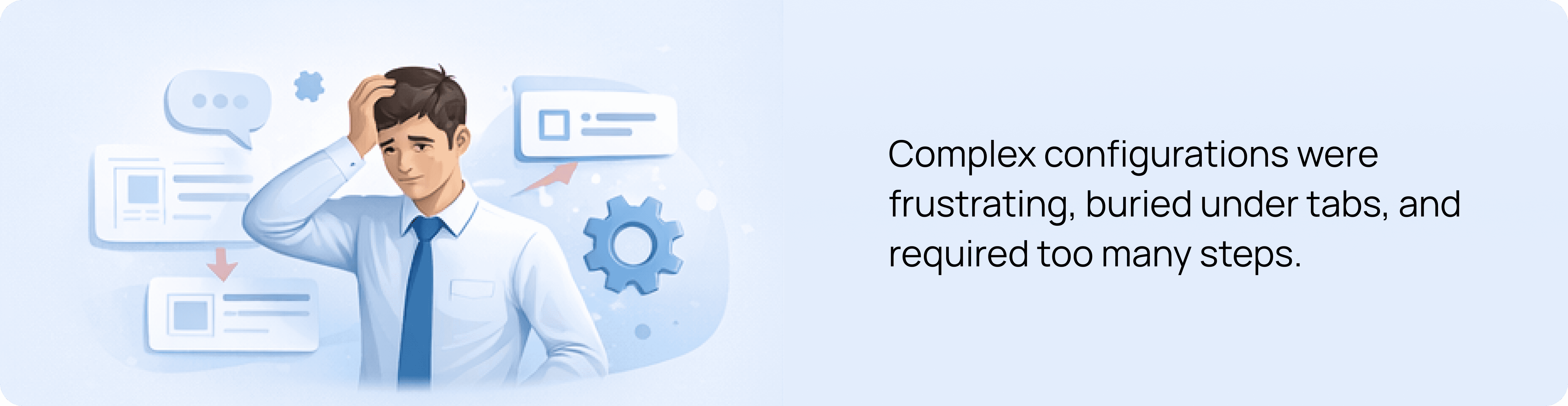
Too many clicks to configure even simple products
Attributes were hidden in separate tabs, breaking user flow
No clear distinction between product-level and option-level changes
Users lost context while scrolling through long option lists
Frequent back-and-forth just to validate pricing or configurations
👉 Impact: Slower workflows, frustration, and lack of confidence during sales calls
🔷 2. Business Challenges
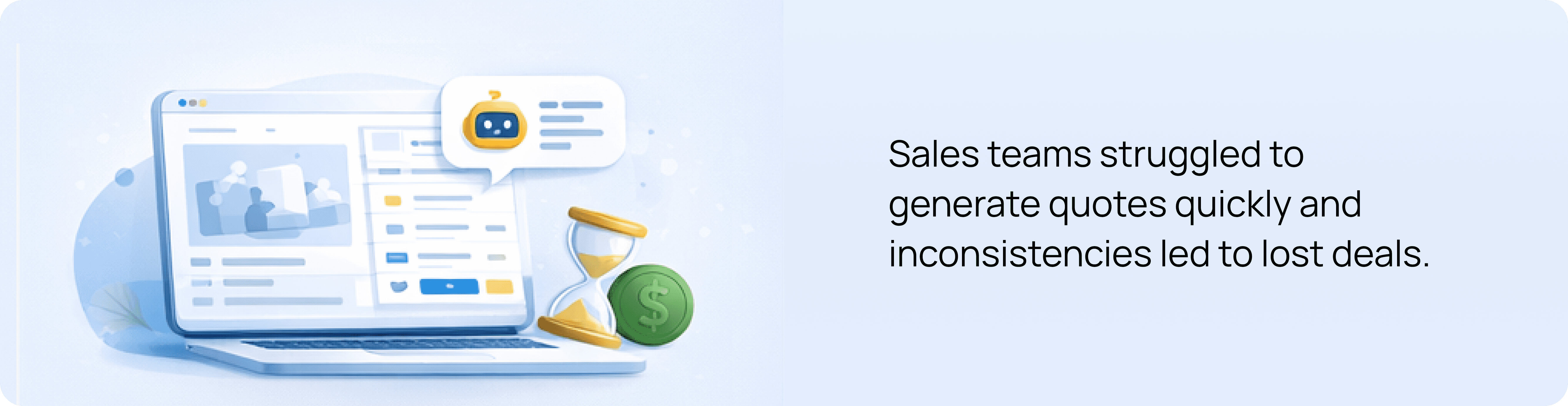
Sales teams struggled to create quotes quickly during live demos
Heavy dependency on designers or pre-made decks for presentations
Inconsistent configurations across teams led to errors
Increasing need for AI-assisted workflows to stay competitive
Product wasn’t scalable across industries (Manufacturing, SaaS, IoT, XaaS)
👉 Impact: Lost efficiency, reduced conversion speed, and poor demo experience
🔷 3. Technical Limitations
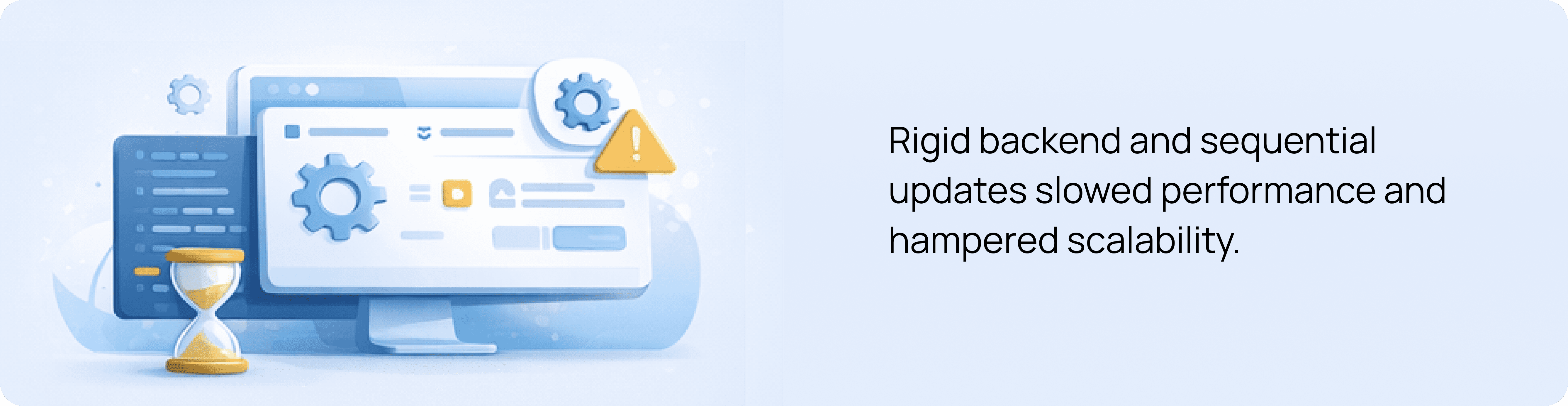
Legacy tab-based architecture restricted flow redesign
Rules engine processed configurations sequentially → delays in feedback
Backend attribute structure limited dynamic UI rendering
UI components weren’t built for flexible admin configurations
No optimized data structure to support AI-driven suggestions
👉 Impact: Slower system response, rigid UI, and limited innovation capability
🔷 4. Experience Gaps (AI + UX Opportunity)
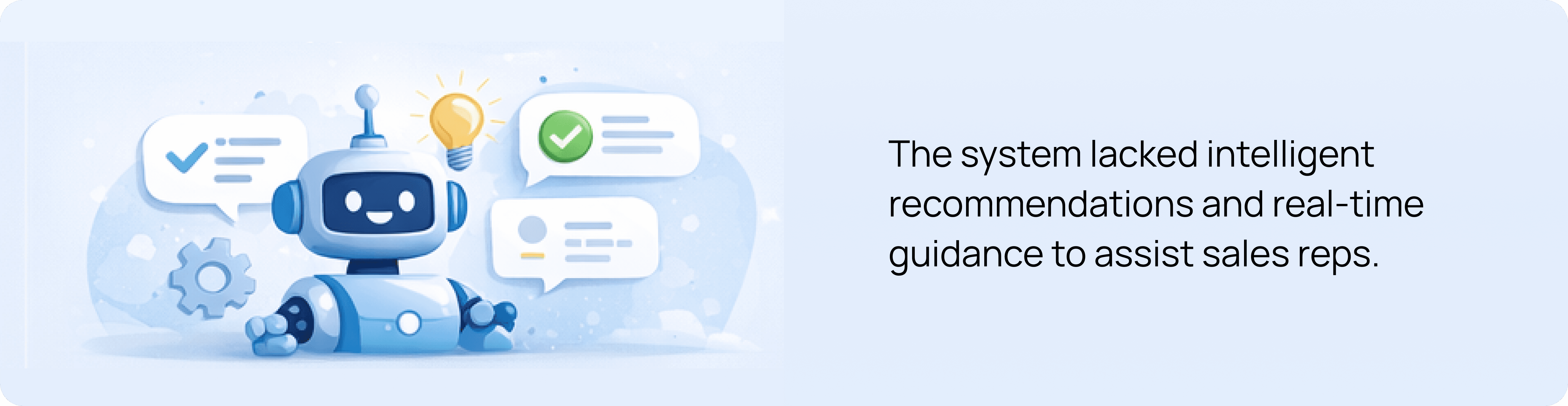
No intelligent guidance for configuration decisions
Users relied on manual validation instead of system assistance
No visibility into why conflicts occurred
Lack of real-time feedback while configuring
No assistive layer to reduce cognitive load
👉 Opportunity: Introduce AI as a co-pilot to guide, validate, and accelerate decisions
My role
My responsibilities spanned the entire lifecycle:
Product discovery with CEO & stakeholders
Creating clarity out of chaos (auditing legacy flows)
Designing a scalable system across End-User & Admin panels
Facilitating cross-functional workshops
Collaborating deeply with PM & VP of Design
Establishing feasibility with dev architects
Final handoff and implementation QA

*A snapshot of me working on this project during a workation in Kochi, Kerala.
Our very first call was with the CEO.
Not for approvals — but for alignment.
He described his vision:
“Our Customer's sales cycle needs to shrink — reps should be able to configure and quote in minutes, not hours.”
“Right now, we lose time because reps manually adjust configurations. I want AI to eliminate 70–80% of that effort.”
“The AI should be smart enough to suggest the right bundles and warn users before they break a rule.”
“I want a UI we’re proud to demo to an enterprise customer without preparation. That’s the bar.”
I approached this call like a strategist.
Understanding the "why" up front helped define the guardrails for every future decision.
Why are sales reps spending more time configuring than selling?
Why do we believe AI is the right accelerator for this workflow now?
Why do configurations vary so much between different teams or regions?
Why do live demos require separate decks instead of using the product directly?
Why do admins rely on spreadsheets or external documents to manage rules?
Why are conflict messages unclear or easily missed by users?
Why do complex products still require manual review despite having rules?
Why is critical information hidden below the fold in the current UI?
Why do customers often need follow-up clarifications during configuration calls?
Why is the current configurator unable to scale to new industries or pricing models?
Auditing the Legacy System (Becoming a Detective 🕵️)
So, I pulled every legacy screen into Miro — hundreds of flows.
I treated this audit like forensic analysis.
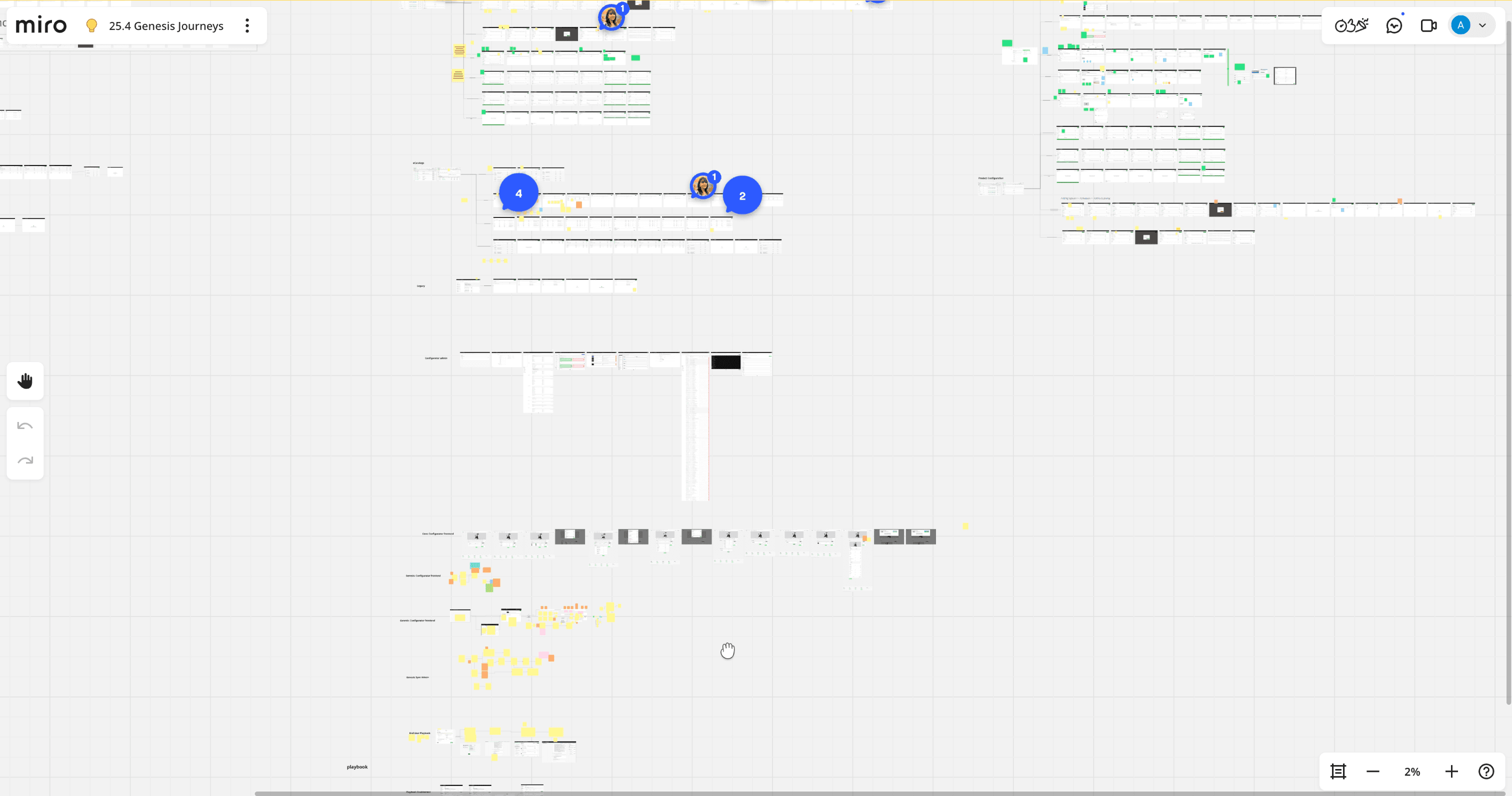
*A snapshot of miro board while auditing legacy configurator designs.
Before proposing improvement, I needed to understand:
What breaks?
What slows users down?
Where does cognitive overload occur?
Which patterns contradict expectations?
We invited stakeholders from sales, ops, and admin into Miro workshops.
We circled:
Must-keep features
Pain points
Missing use-cases
Opportunities for AI assistance
Stakeholders usually describe symptoms. My job was to uncover the root causes behind them.
So I kept asking:
“What’s happening here?”
“What are you trying to achieve in this moment?”
“What slows you down?”
Those conversations shaped the foundation of our new system.
Shaping the Final Experience👨🏻💻
Using our design system, Me and my colleague built the first full iteration.
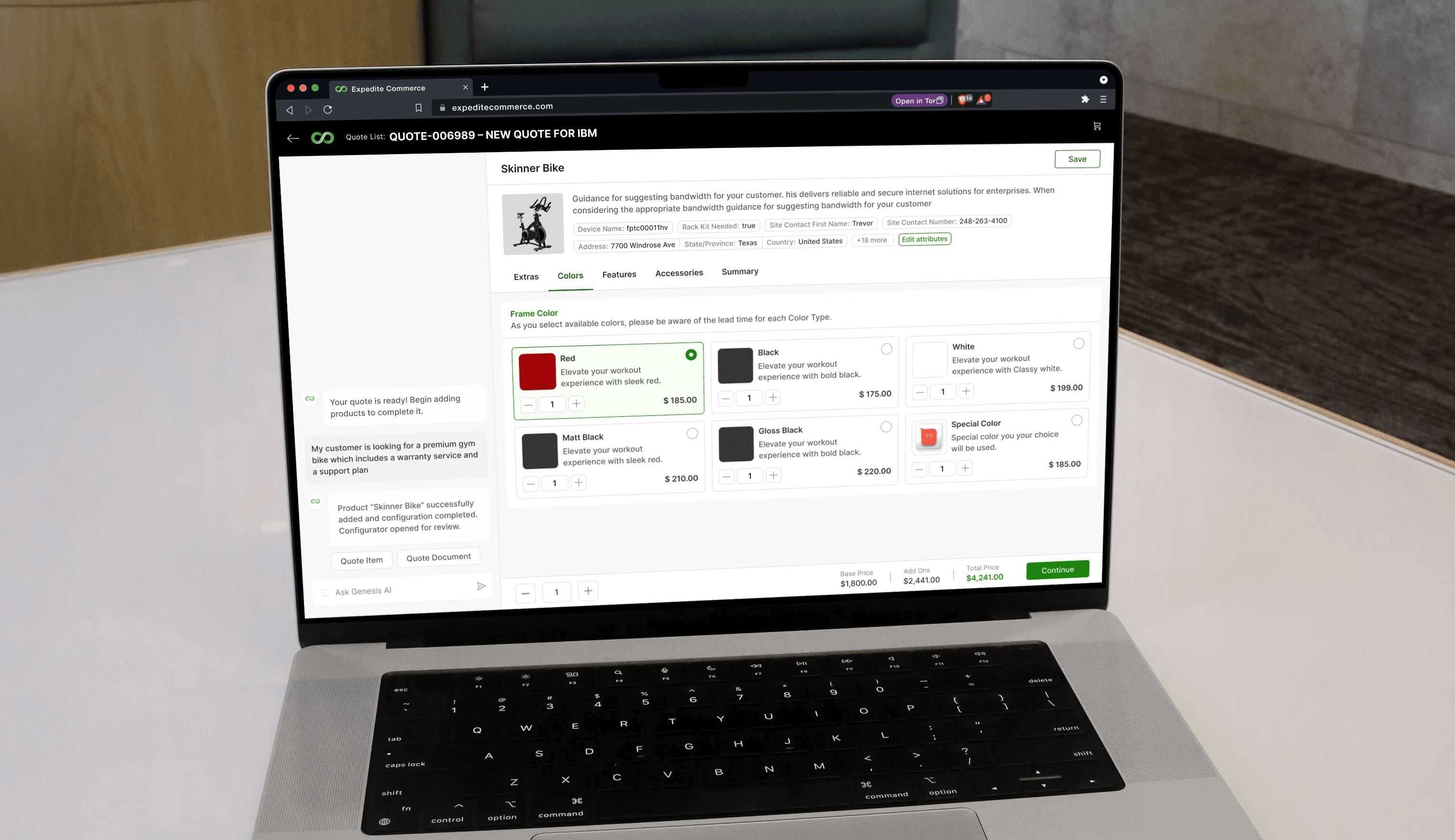
*A Mockup of one of the screen from End User newly designed configurator.